
Who it’s for
- Creators looking to integrate OpenPage’s developer platform into their apps or create complex badge use cases for their communities.
- Game developers building Web3-enabled games that need achievement systems, NFT rewards, and community features.
- App developers who want to add community management, user authentication, and transaction processing to their applications.
- Platform builders creating tools and services that require user identity, community management, and cross-platform integration.
Overview
As part of the OpenPage ecosystem, Portal is a comprehensive developer platform that provides powerful APIs and tools to build Web3-enabled applications. Whether you’re creating a game, mobile app, or web platform, Portal gives you the infrastructure to manage communities, authenticate users, distribute rewards, and process transactions. Through Portal’s APIs, you can:API Overview
Get started with OpenPage APIs and understand the different types of endpoints available for your application.
Authentication
Learn about authentication methods including JWT tokens, OAuth2.0, and API keys for different use cases.
Communities API
Interact with your communities via REST API from any experience. Manage members, roles, and permissions.
Badges API
Award badges and tokens to members via REST API. Create custom achievements and reward systems.
Getting Started as a Developer
Welcome to OpenPage Portal! Before you begin integrating our APIs into your application, you’ll need to set up your developer account and obtain the necessary credentials. Follow the steps below to get started.1. Access the Developer Portal
First, you’ll need to log into the main OpenPage app and then access the developer portal:- Log into the main OpenPage app at openpage.fun
- Once logged in, navigate to portal.openpage.fun to access the developer portal
- The portal will automatically authenticate you using your existing OpenPage account
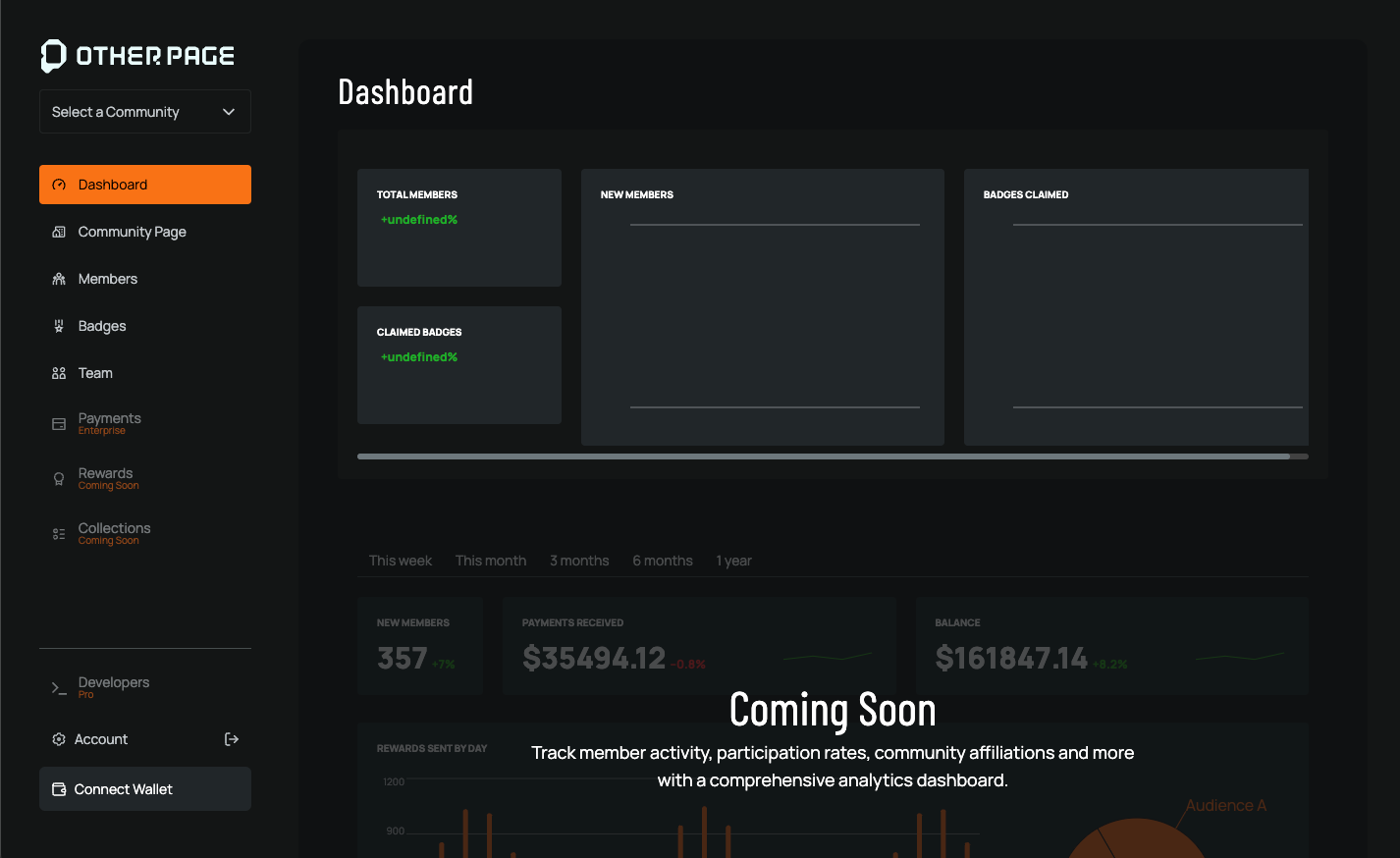
2. Access the Developer Dashboard
Once you log in, you’ll land on the Dashboard page, which serves as your developer hub. From here, you can:- Generate API keys for different services
- Configure Connect applications for user authentication
- Set up experiences for launcher integration
- Monitor API usage and analytics
3. Choose Your Integration Path
Depending on your use case, you can integrate with OpenPage through different methods:- Launcher Integration: Launch experiences directly on OpenPage with JWT authentication
- Connect Integration: Use OAuth2.0/OpenID Connect for cross-application authentication
- Direct API Integration: Use REST APIs with API keys for community management, badges, and transactions