> ## Documentation Index
> Fetch the complete documentation index at: https://docs.openpage.fun/llms.txt
> Use this file to discover all available pages before exploring further.
# Earning Badges
> The Earning Badges page guides you in earning and featuring badges on your profile.
# Badges
Badges on OpenPage celebrate your achievements and contributions across the platform, capturing milestones from exclusive events, community challenges, and goals reached. By featuring badges on your profile, you create a dynamic record of your progress and dedication, making your accomplishments visible and rewarding within the community.
## Explore Badges
The Explore Badges page provides a full view of badges from various communities, helping you discover new achievements and track progress.
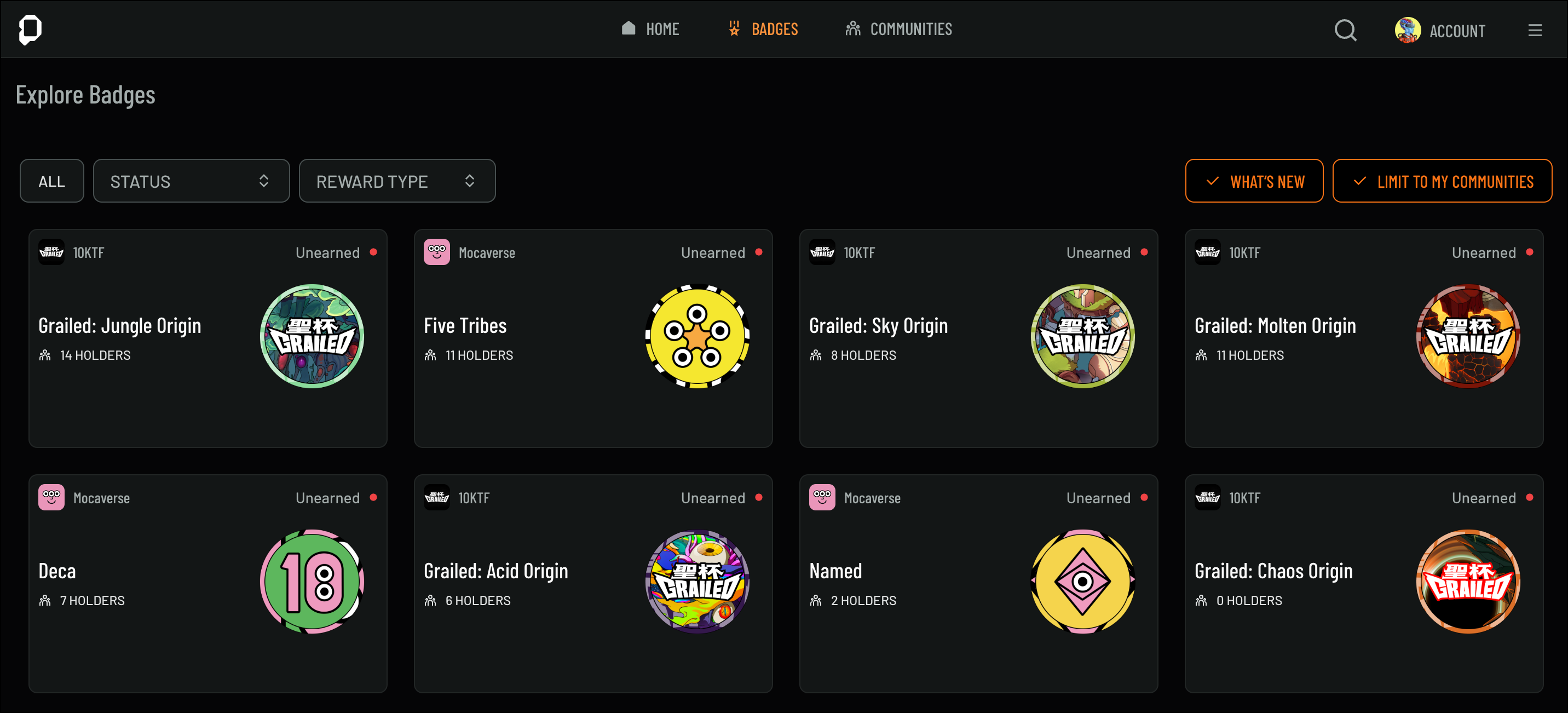 You can filter badges in the following ways:
**Filter by Status**: Use the Status filter to sort badges by unearned, in progress, claimed, or claimable statuses.
**Filter by Reward Type**: Select the Reward Type filter to see badges with rewards like Tokens, NFTs, or Points.
**What's New**: Click **What's New** to view recently added badges.
**Limit to My Communities**: Select **Limit to My Communities** to display badges specific to communities you’re part of.
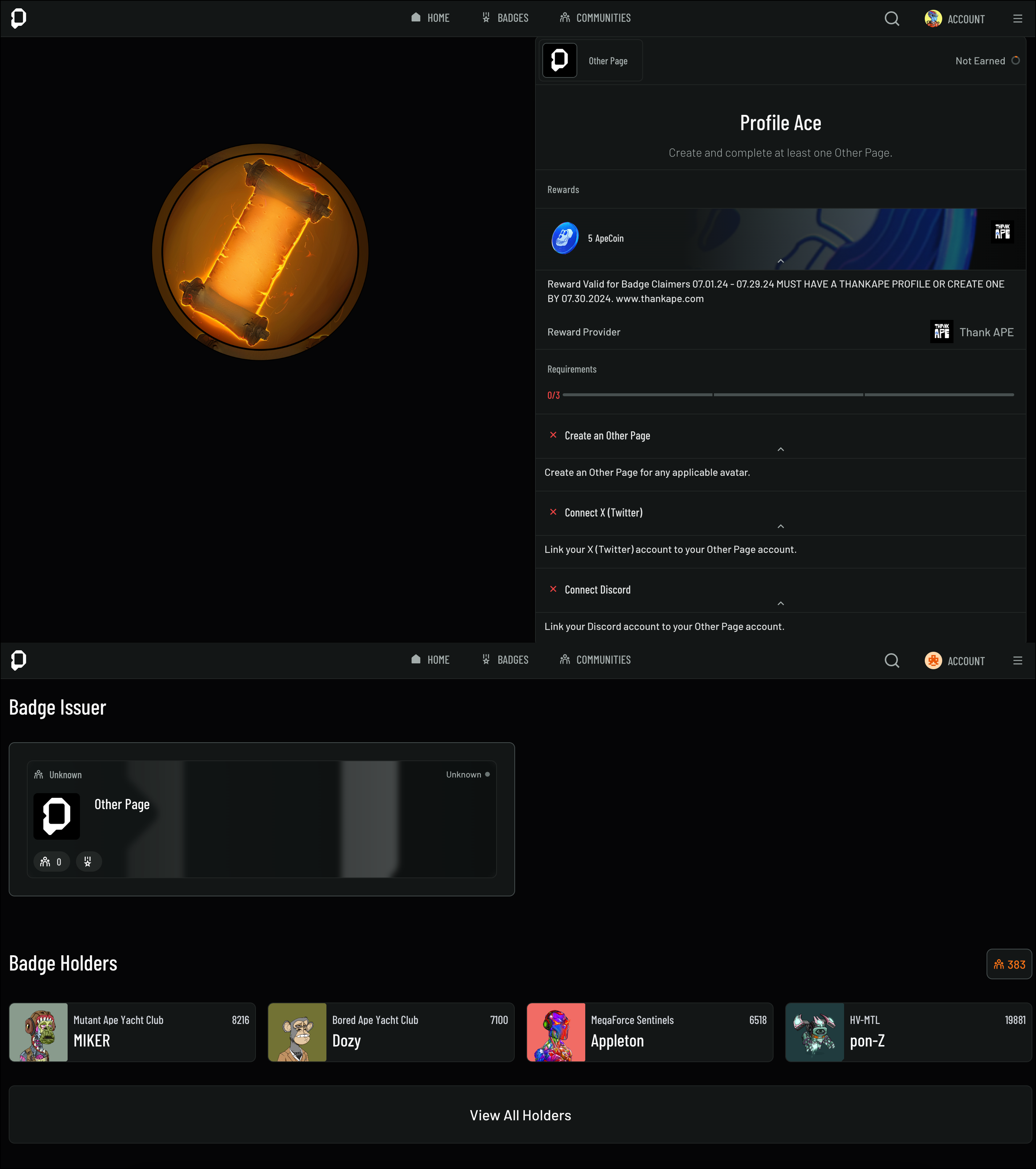
Click on any badge to see details, including earning requirements, making it easy to find new ways to engage and earn badges.
You can filter badges in the following ways:
**Filter by Status**: Use the Status filter to sort badges by unearned, in progress, claimed, or claimable statuses.
**Filter by Reward Type**: Select the Reward Type filter to see badges with rewards like Tokens, NFTs, or Points.
**What's New**: Click **What's New** to view recently added badges.
**Limit to My Communities**: Select **Limit to My Communities** to display badges specific to communities you’re part of.
Click on any badge to see details, including earning requirements, making it easy to find new ways to engage and earn badges.
 ### Types of Badges
OpenPage badges come in various forms, each
representing different types of engagement.
You can earn badges by participating in
challenges, attending events, or actively
contributing to the community.
### Types of Badges
OpenPage badges come in various forms, each
representing different types of engagement.
You can earn badges by participating in
challenges, attending events, or actively
contributing to the community.
 **Achievement Badges**: Recognize major
milestones, like completing challenges,
reaching community goals, or making impactful
contributions.
**Attendance Badges**: Awarded for your
participation in events, gatherings, or
important moments, these badges highlight
your presence and involvement.
**Collector Badges**: Represent your
collection accomplishments, showcasing
specific items or series you've gathered
within the ecosystem. These badges emphasize
your dedication as a collector and support
for unique collections.
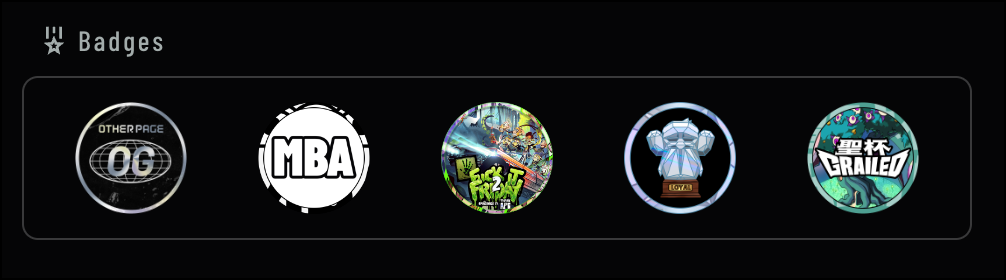
Each badge type reflects a unique aspect of your journey, and featuring badges on your profile makes your accomplishments visible to others.
Learn more about displaying badges on your Avatar Profile in our [Customizing Your Avatar Profile](https://docs.openpage.fun/avatar-profile#4-badges) guide.
## Claim Codes
Some badges can be earned by using a code, and there are three different ways to do so:
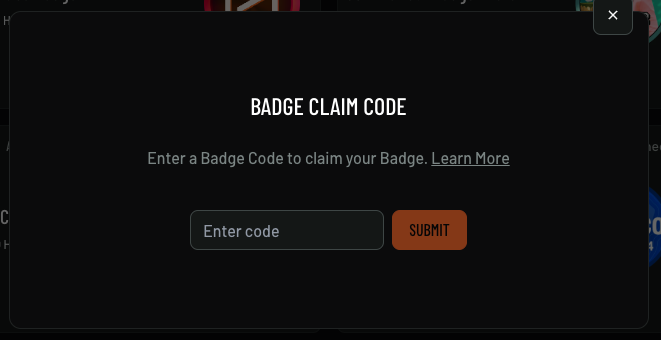
If you receive an OpenPage Badge code, you can enter it to earn the badge using the **Code** button on the nav bar.
**Achievement Badges**: Recognize major
milestones, like completing challenges,
reaching community goals, or making impactful
contributions.
**Attendance Badges**: Awarded for your
participation in events, gatherings, or
important moments, these badges highlight
your presence and involvement.
**Collector Badges**: Represent your
collection accomplishments, showcasing
specific items or series you've gathered
within the ecosystem. These badges emphasize
your dedication as a collector and support
for unique collections.
Each badge type reflects a unique aspect of your journey, and featuring badges on your profile makes your accomplishments visible to others.
Learn more about displaying badges on your Avatar Profile in our [Customizing Your Avatar Profile](https://docs.openpage.fun/avatar-profile#4-badges) guide.
## Claim Codes
Some badges can be earned by using a code, and there are three different ways to do so:
If you receive an OpenPage Badge code, you can enter it to earn the badge using the **Code** button on the nav bar.

 If you locate an OpenPage QR code, you can scan it to earn a badge.

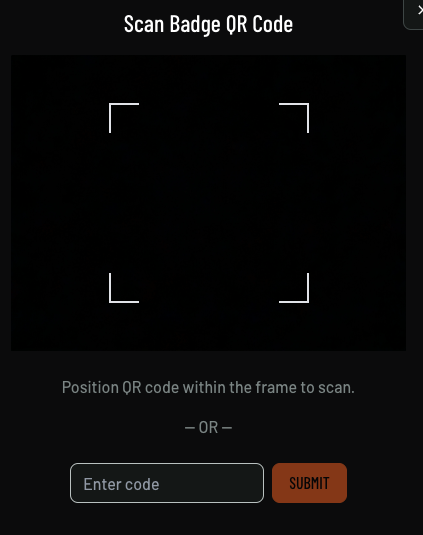 Please note that scanning QR codes is only possible on the mobile version of OpenPage.
Some badges can be earned by entering a code in an external experience.
Please note that scanning QR codes is only possible on the mobile version of OpenPage.
Some badges can be earned by entering a code in an external experience.
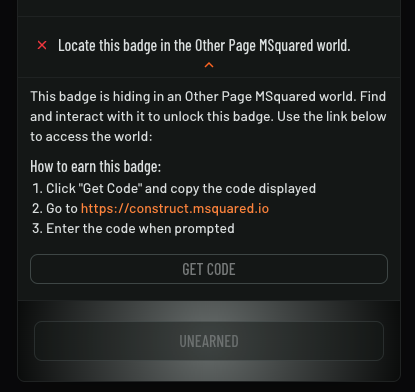 If you encounter any issues entering the code, please reach out to the community or experience owner for assistance.