> ## Documentation Index
> Fetch the complete documentation index at: https://docs.openpage.fun/llms.txt
> Use this file to discover all available pages before exploring further.
# Communities
> Communities allows you explore and connect with communities on OpenPage that match your interests. Discover groups, join like-minded members, and access exclusive events, rewards, and collaborative experiences.
# Explore Communities
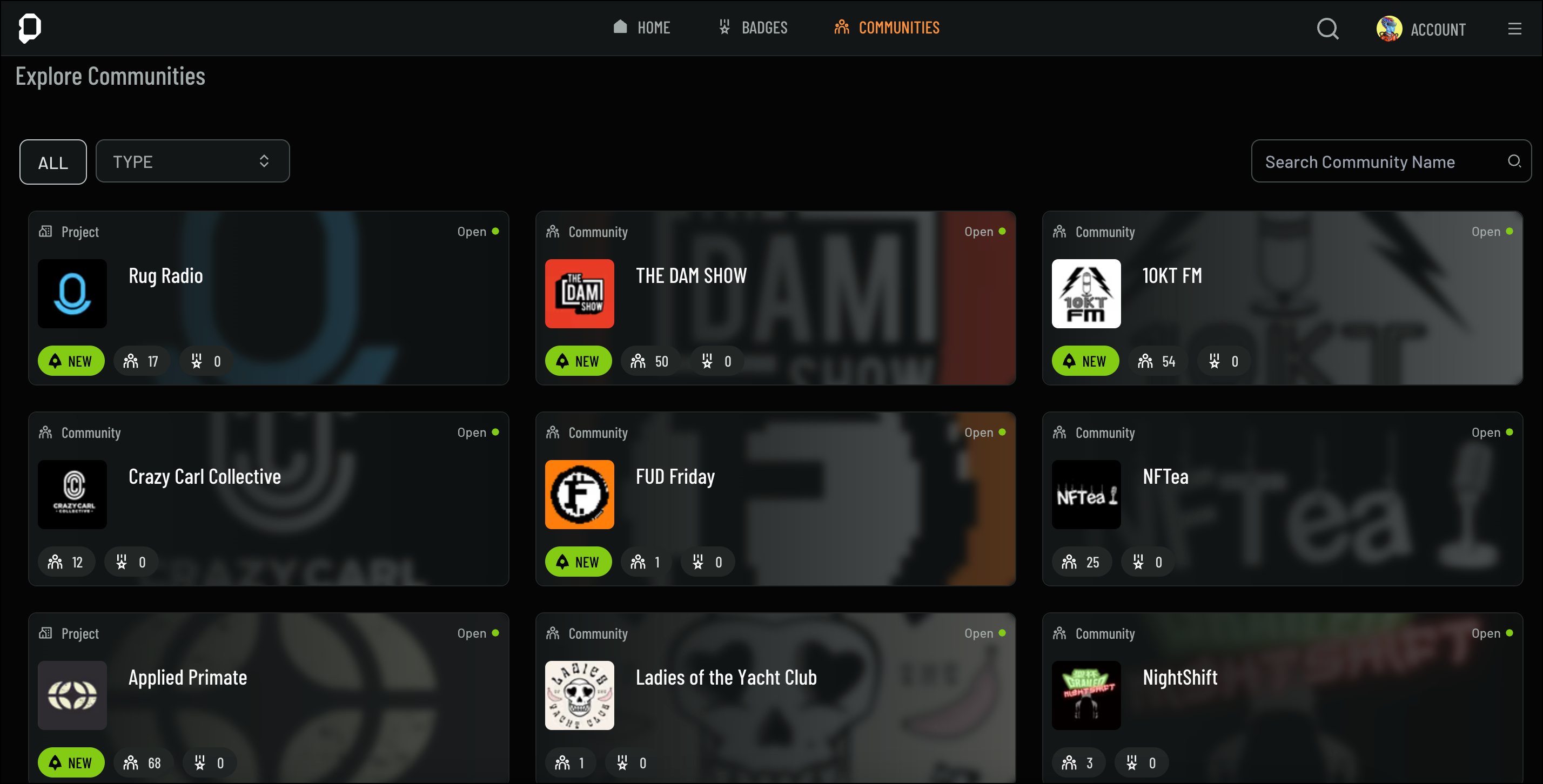
The Explore Communities page allows you to find and join spaces that align with your interests. Connect with like-minded members and access exclusive events, content, and rewards. Join a variety of communities, including guilds, projects, chapters, factions, and games.
 ## Joining Communities
Communities on OpenPage bring together like-minded individuals—collectors, creators, gamers, project owners, and more. By joining a community, you unlock access to exclusive themes, badges, and experiences specific to that group. Whether you're looking to connect with fellow enthusiasts or explore new interests, OpenPage makes it easy to find and join the right communities for you.
Once you’re ready to join a community, follow these steps:
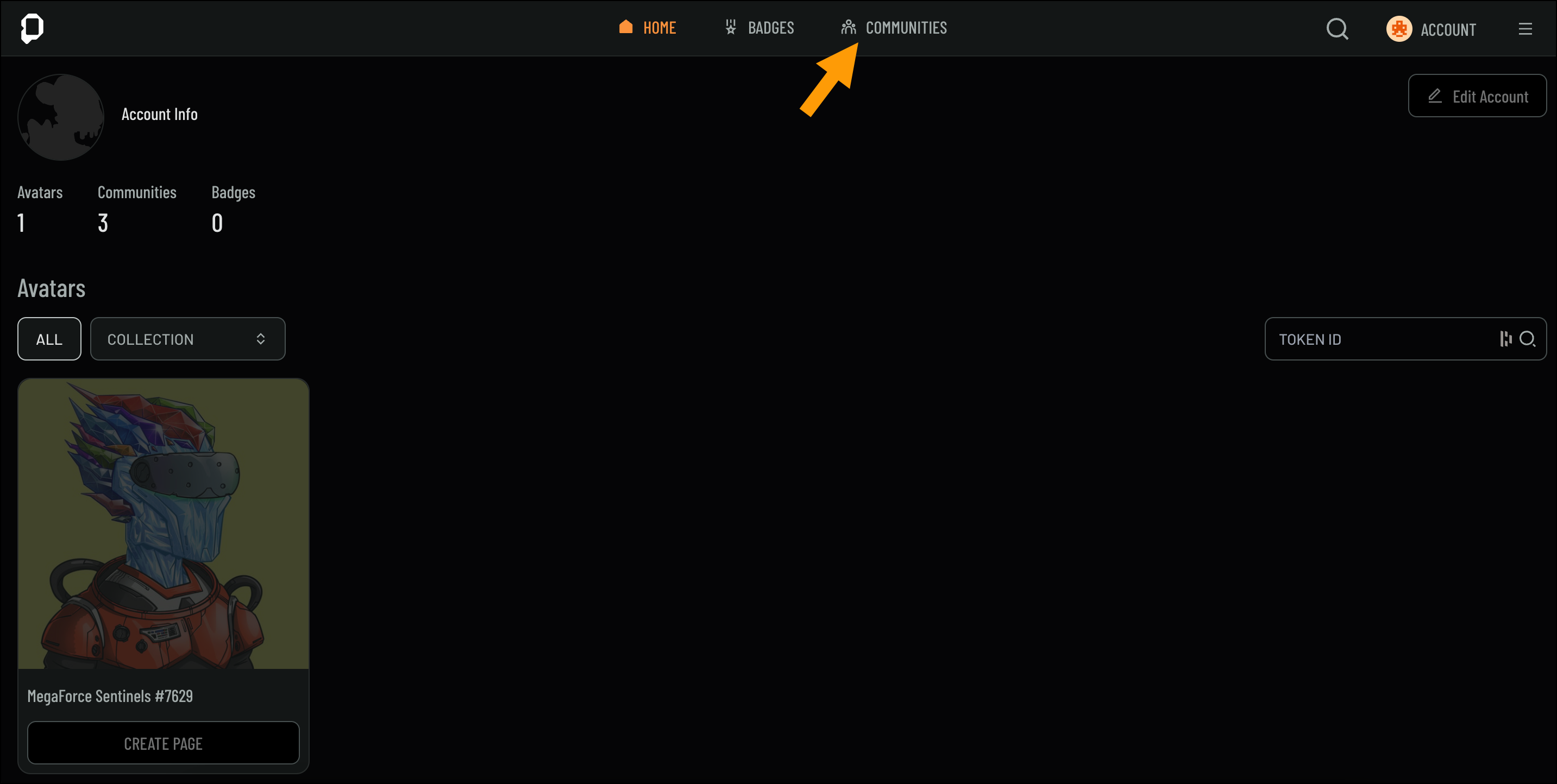
1. Navigate to the **Communities** page from the Home screen
## Joining Communities
Communities on OpenPage bring together like-minded individuals—collectors, creators, gamers, project owners, and more. By joining a community, you unlock access to exclusive themes, badges, and experiences specific to that group. Whether you're looking to connect with fellow enthusiasts or explore new interests, OpenPage makes it easy to find and join the right communities for you.
Once you’re ready to join a community, follow these steps:
1. Navigate to the **Communities** page from the Home screen
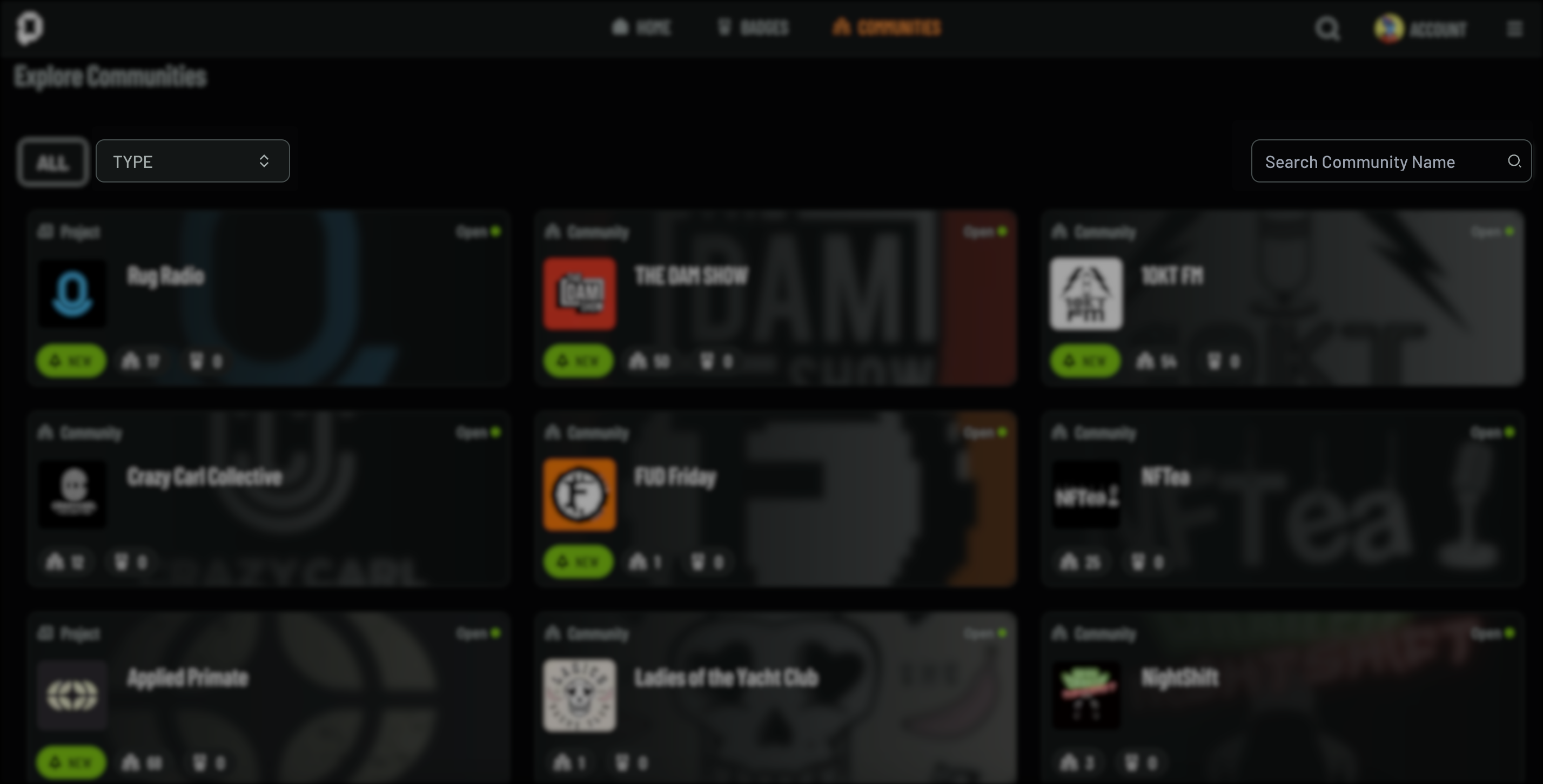
 2. Use the seach bar to find a different communities, or browse through types like **Project** or **Community**
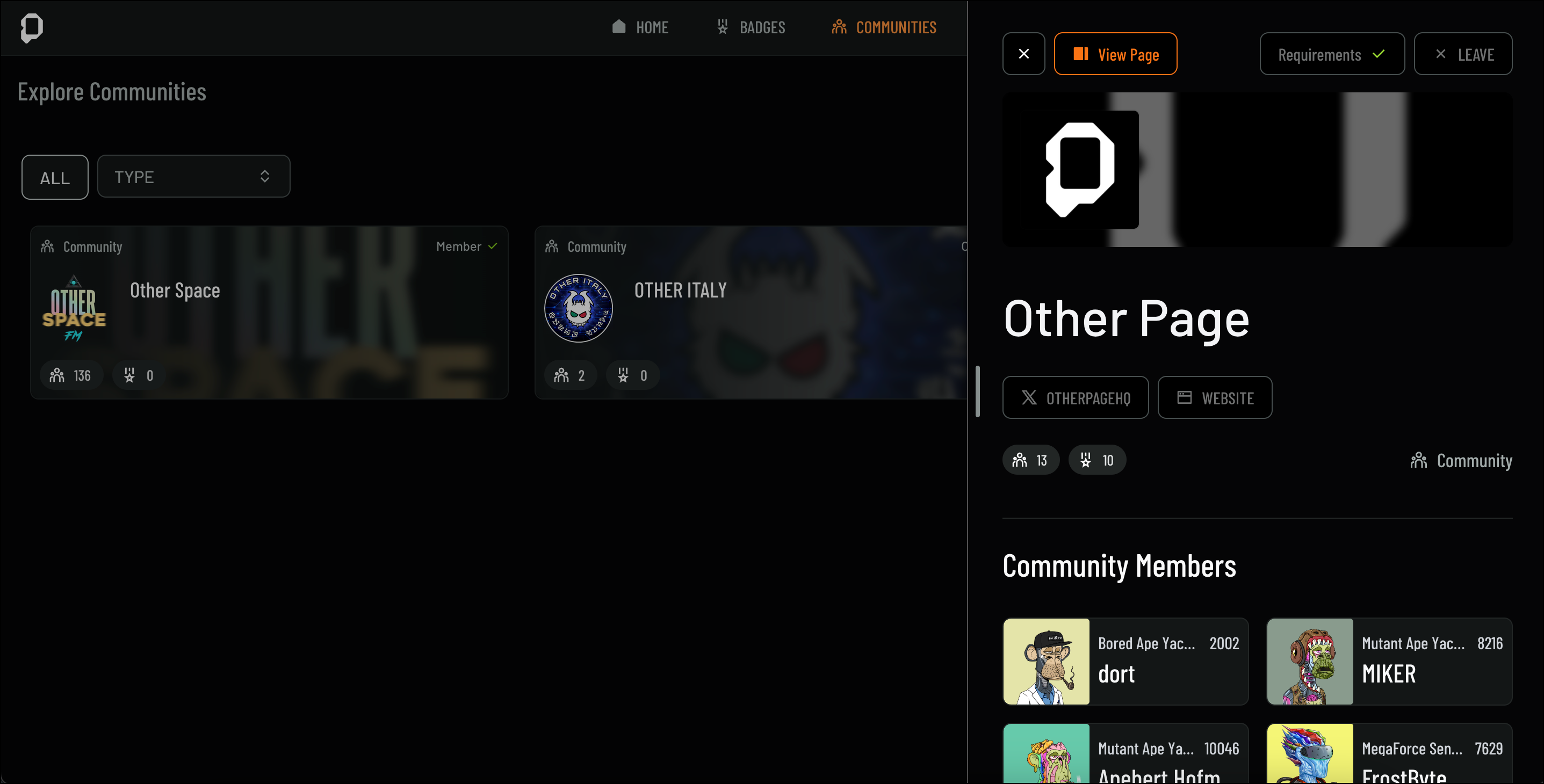
 3. Click on a community to view more details such as **Community Members**, **Community Badges**, and **Social Media**
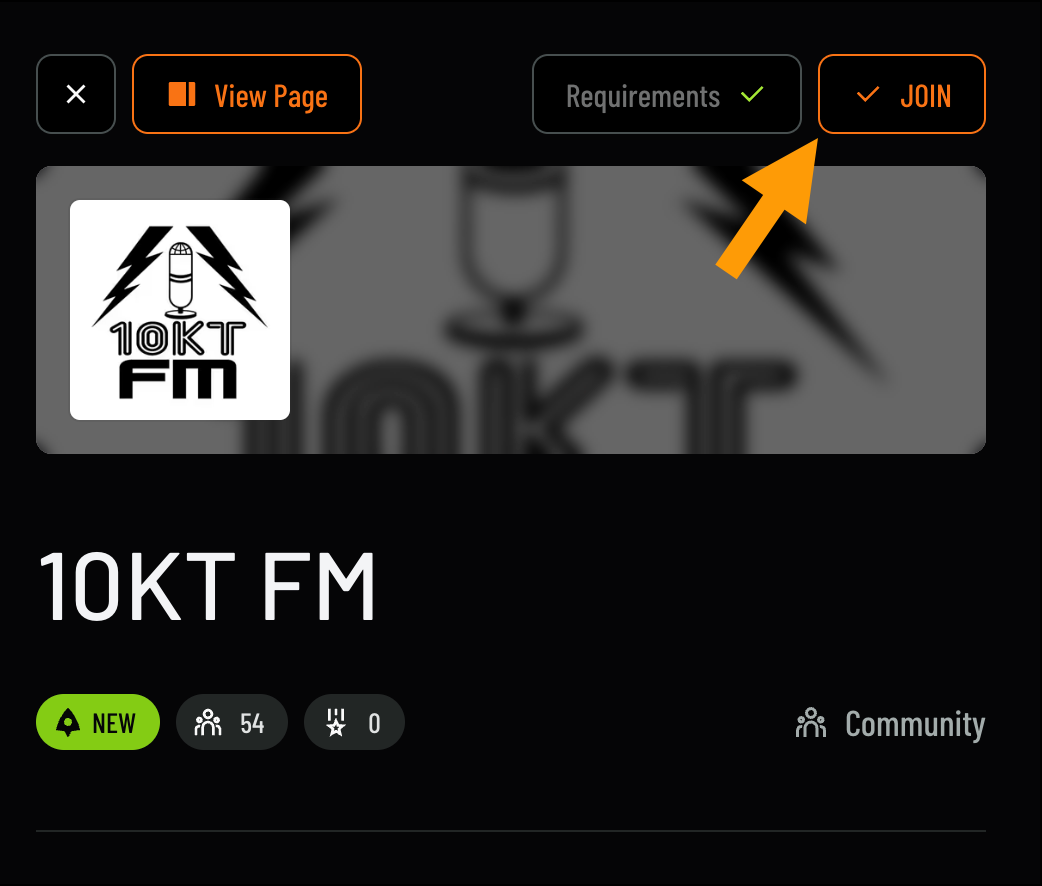
 4. Click **Join** to become a member
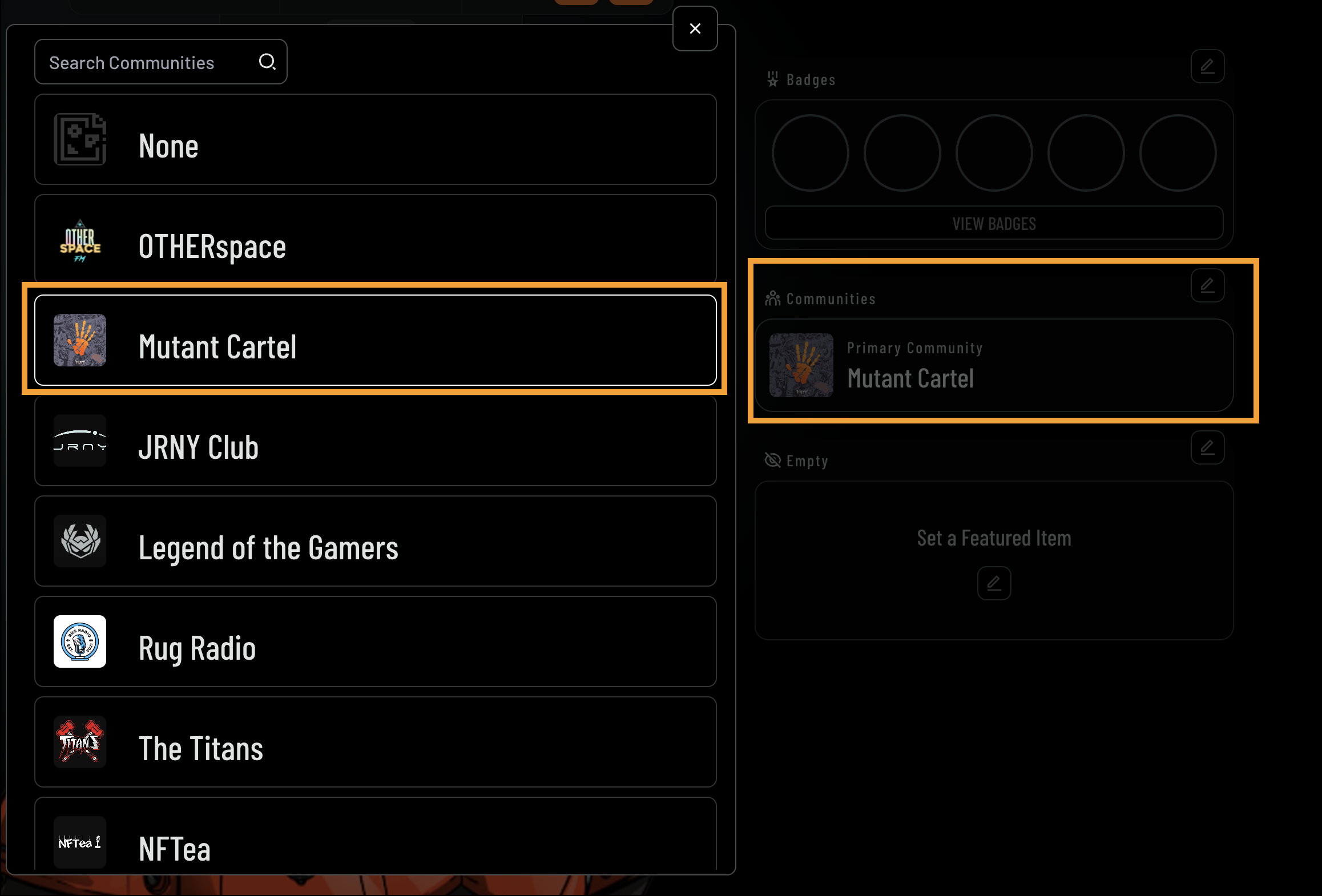
 5. Once joined, the community will appear in the **Communities** section, where you can designate it as your primary community to display on your **Avatar Profile**
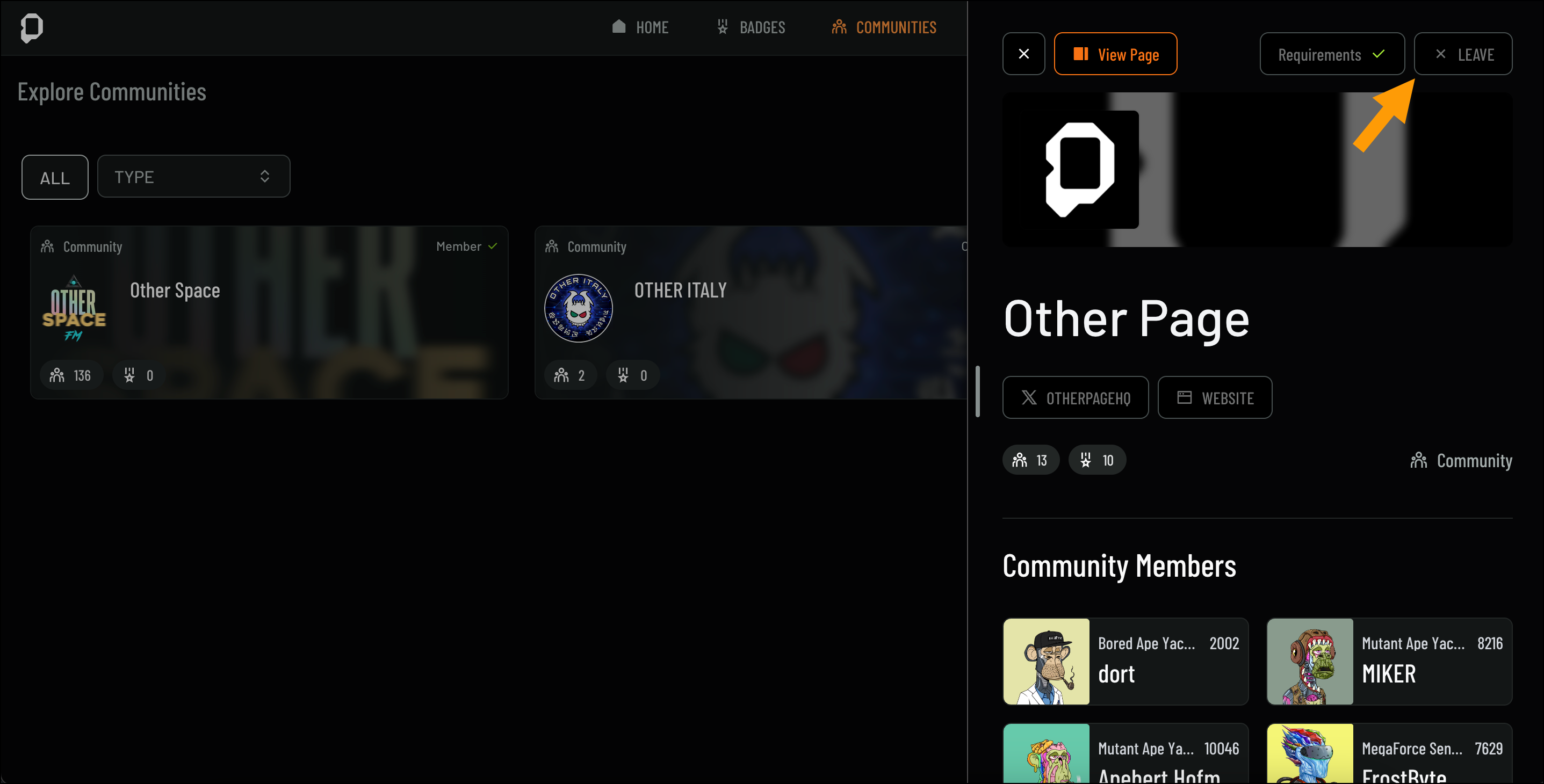
 6. To leave a community, navigate to the community page and click **Leave** from the top-right corner
 ## What You Get as a Community Member
Becoming a member of a community on OpenPage unlocks various features designed to enhance your experience and interactions within that group:
**Exclusive Themes and Badges**: Access community-specific themes to personalize your profile, and earn badges by participating in community challenges and events.
**Member Connections**: Engage with other members through discussions, events, and shared content, building connections with like-minded individuals.
**Community Events and Challenges**: Participate in exclusive events and challenges organized by the community to deepen your engagement and earn rewards.
**Social Media Integration**: View and interact with the community’s social media channels directly from the Community page to stay updated on news and activities.
**Primary Community Designation**: Set a community as your primary on your Avatar Profile to showcase your main interests and affiliations.
These features make each community a vibrant space for interaction, growth, and connection with others who share your interests.
## What You Get as a Community Member
Becoming a member of a community on OpenPage unlocks various features designed to enhance your experience and interactions within that group:
**Exclusive Themes and Badges**: Access community-specific themes to personalize your profile, and earn badges by participating in community challenges and events.
**Member Connections**: Engage with other members through discussions, events, and shared content, building connections with like-minded individuals.
**Community Events and Challenges**: Participate in exclusive events and challenges organized by the community to deepen your engagement and earn rewards.
**Social Media Integration**: View and interact with the community’s social media channels directly from the Community page to stay updated on news and activities.
**Primary Community Designation**: Set a community as your primary on your Avatar Profile to showcase your main interests and affiliations.
These features make each community a vibrant space for interaction, growth, and connection with others who share your interests.